Blueprints#
Blueprints is a pythonic library that constructs Mujoco simulations and gives access to runtime data. It is designed to simplify access to mujoco and provide helpful subroutines for procedural generation, aiding environment randomization, curriculum learning, hindsight experiance replay and other RL paradigms aiming to manipulate the environment.
Once a certain structure of Mujoco elements has been build, it can be copied, many times throughout the world. The same objects through which the simulation has been constructed also serve as access objects to the simulations runtime data, no need of keeping track of indecies for mj_data.obj_type(index) calls.
Blueprints offers many conveniences for maipulating many objects attributes at once, implements standart agent interfaces for RL and bundles all sorts of data access in a finegrained indexing scheme through Views.
Installation#
Directly from PyPI:
$ pip install mujoco_blueprints
Alternatively from Github:
$ git clone https://github.com/mortimervonchappuis/mujoco_blueprints.git
Introduction#
Blueprints is a Python library interfacing the powerful Mujoco physics engine. Blueprints has been taylored to the needs of reinforcement learning to support procedural environment generation with many userfriendly object creation subroutines. While in Mujoco, you specify a world by providing a static XML file detailling all objects and their interconnections. In Blueprints, you create each object in a line of code enjoying the redundancy reducing benefits of procedural programming.
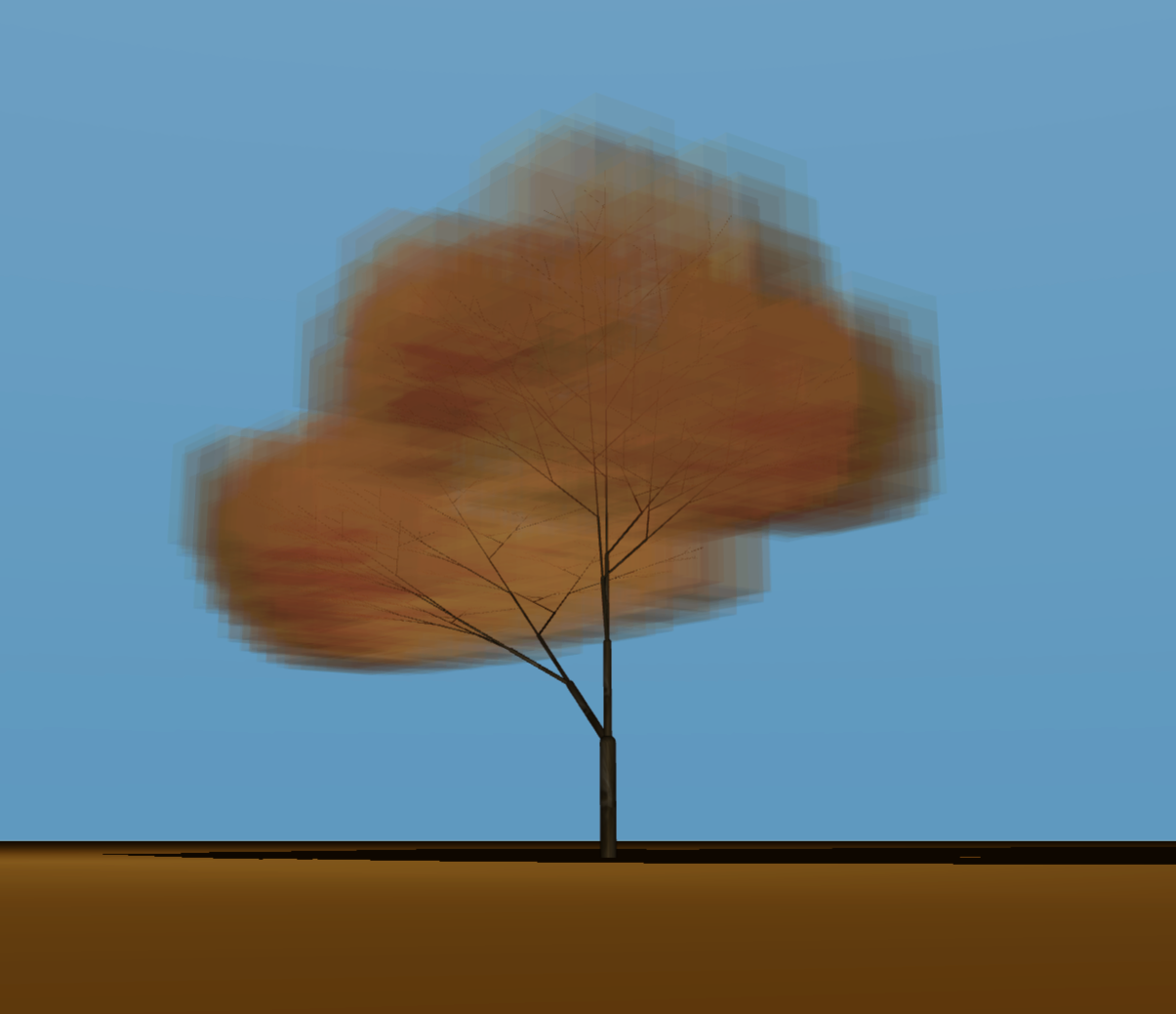
Note
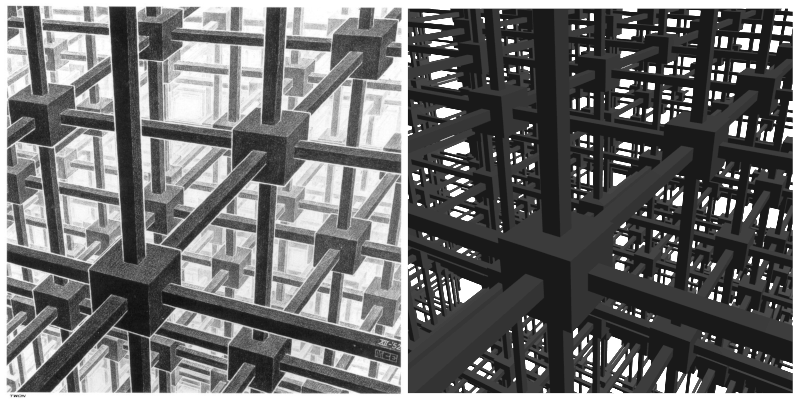
The XML file of the tree contains then 4100 distinct XML elements but was constructed in blueprints in a couple dozen lines.
Special Features#
Blueprints objects (so called Things) allow for direct runtime access to simulation data through the same Things that have been constructed to build the simulation world. Typically, world creation and simulation interfacing are mediated through seperate objects. Unlike dm_control.mjcf Blueprints does not assume knowledge of Mujocos XML scheme (but still provides additional MjXML references).
Runtime Access#
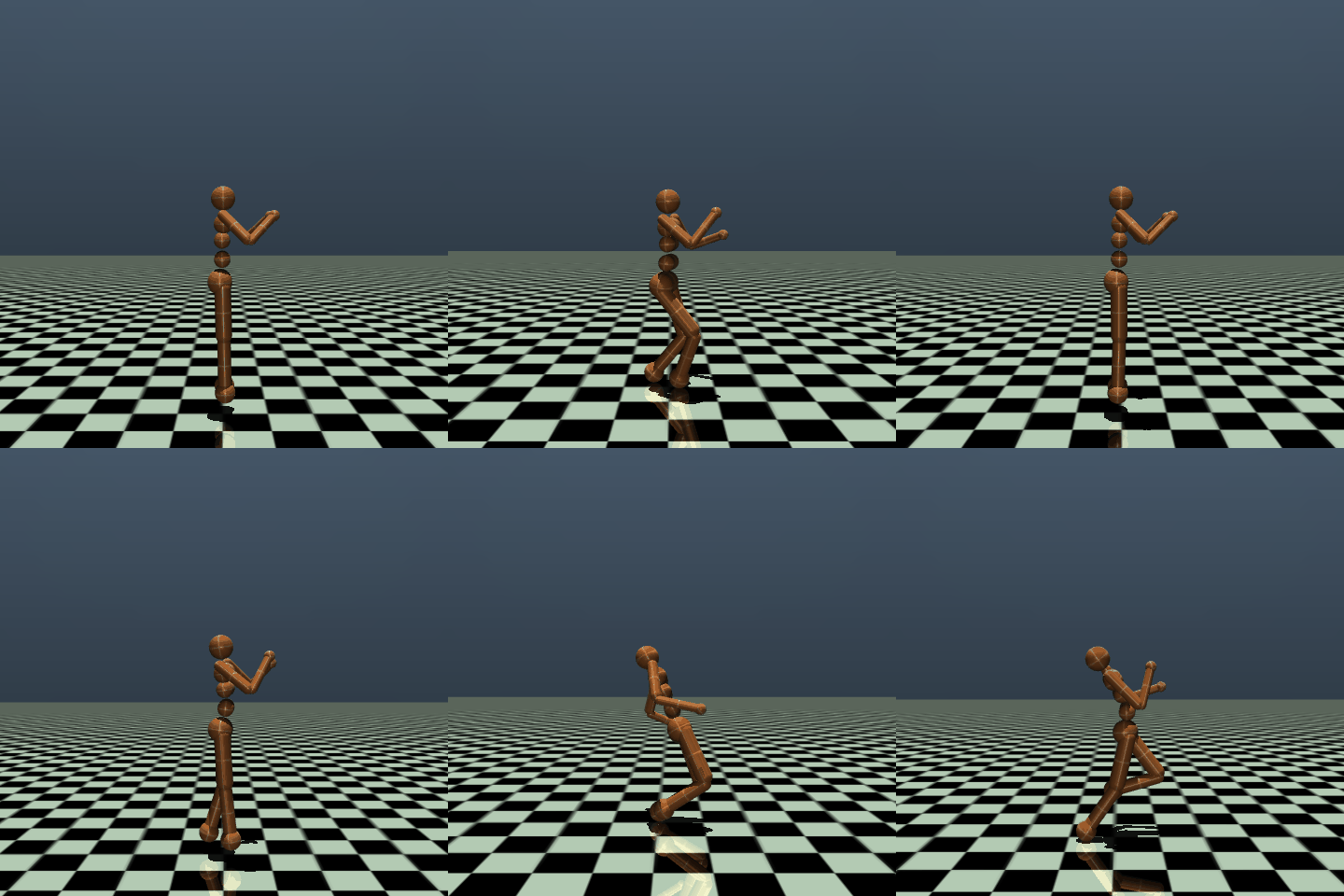
Each Thing that interfaces simulation data, like observations from Cameras and Sensors and actions through Actuator.forces can be accessed through the blueprints.Things directly. To easily group sensonrs, cameras, actuators and kinematic structures of each agent together, the Agent class aggregates observations and actions as forces applied to Actuators.
Lets take the classical gym humanoid:
>>> agent.observation_shape
{'<Camera>track': (np.uint16(480), np.uint16(480)),
 '<Camera>anonymous_camera_(0)': (np.uint16(480), np.uint16(480)),
 '<Camera>anonymous_camera_(1)': (np.uint16(480), np.uint16(480))}
>>> agent.action_shape
 {'activation': 0, 'force': 17}
The Agent interface can then easily be embedded into the standart RL environment interation cycle.
>>> obs = agent.observation
>>> force, activation = policy(obs)
>>> agent.force = force
>>> agent.activation = activation
>>> world.step()
Recording#
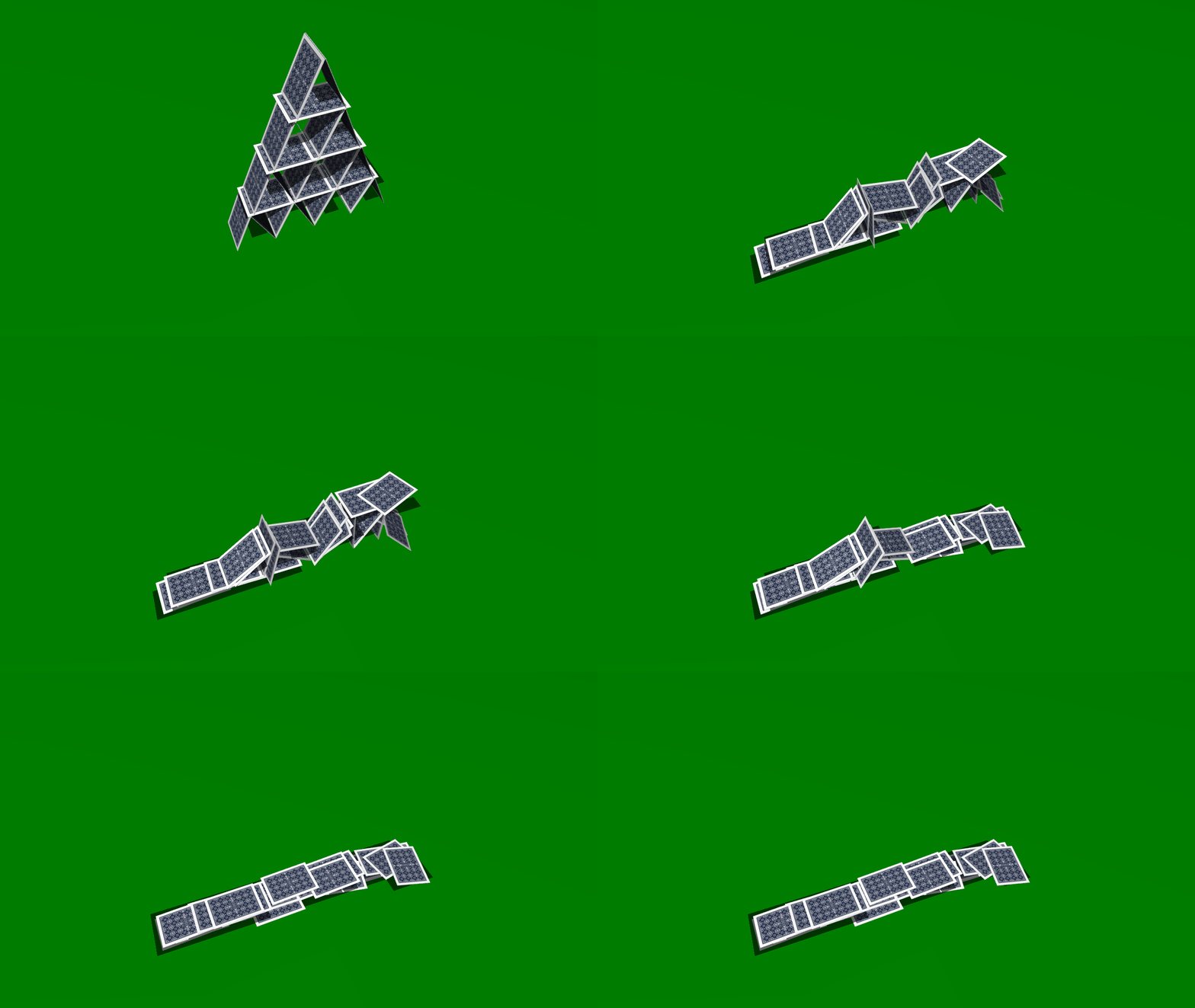
To see what an agent is actually doing, blueprints implements methods to record environment trajectories with recoding. The images are rendered with Mujocos default renderer and written (with additional **kwargs) to file with imageio.
>>> world.build()
>>> camera.start_recording('my.vid', **kwargs)
>>> world.step(seconds=10)
>>> camera.stop_recording()
Tree Indexing#
Worlds in Mujoco often have a complex kinematic hierarchy nesting the different Things constituting the agents embodiment. Blueprints provides easy access to this nesting through Views.
>>> humanoid.all
View[87|AGENT:torso.all]
>>> humanoid.bodies
View[3|AGENT:torso.bodies]
>>> humanoid.all.bodies
View[12|AGENT:torso.all.bodies]
>>> humanoid.bodies.bodies.bodies.joints
View[6|AGENT:torso.bodies.bodies.bodies.joints]
>>> humanoid in humanoid.bodies.parent
True
The Views can be chained together. Through Views attribute setting and getting can be bundled together in a single command.
>>> humanoid.all.joints.angular_vel
[array([ 2.48544906e-19,  3.48731919e-18,  6.54288425e-18]),
 array([ 2.69660895e-19, -5.22968451e-18,  1.26392907e-18]),
 array([ 2.69660895e-19, -5.22968451e-18,  1.26392907e-18]),
 ...
 array([-1.59168337e-17,  3.99233288e-18, -9.11748066e-18]),
 array([-1.59168337e-17,  3.99233288e-18, -9.11748066e-18]),
 array([-1.59168337e-17,  1.14934629e-17, -1.61635064e-18])]
>>> humanoid.all.color = '#FF3300'
>>> humanoid.all.geoms['left_uarm1'].color
[Red[#FF3300]]
Lattice#
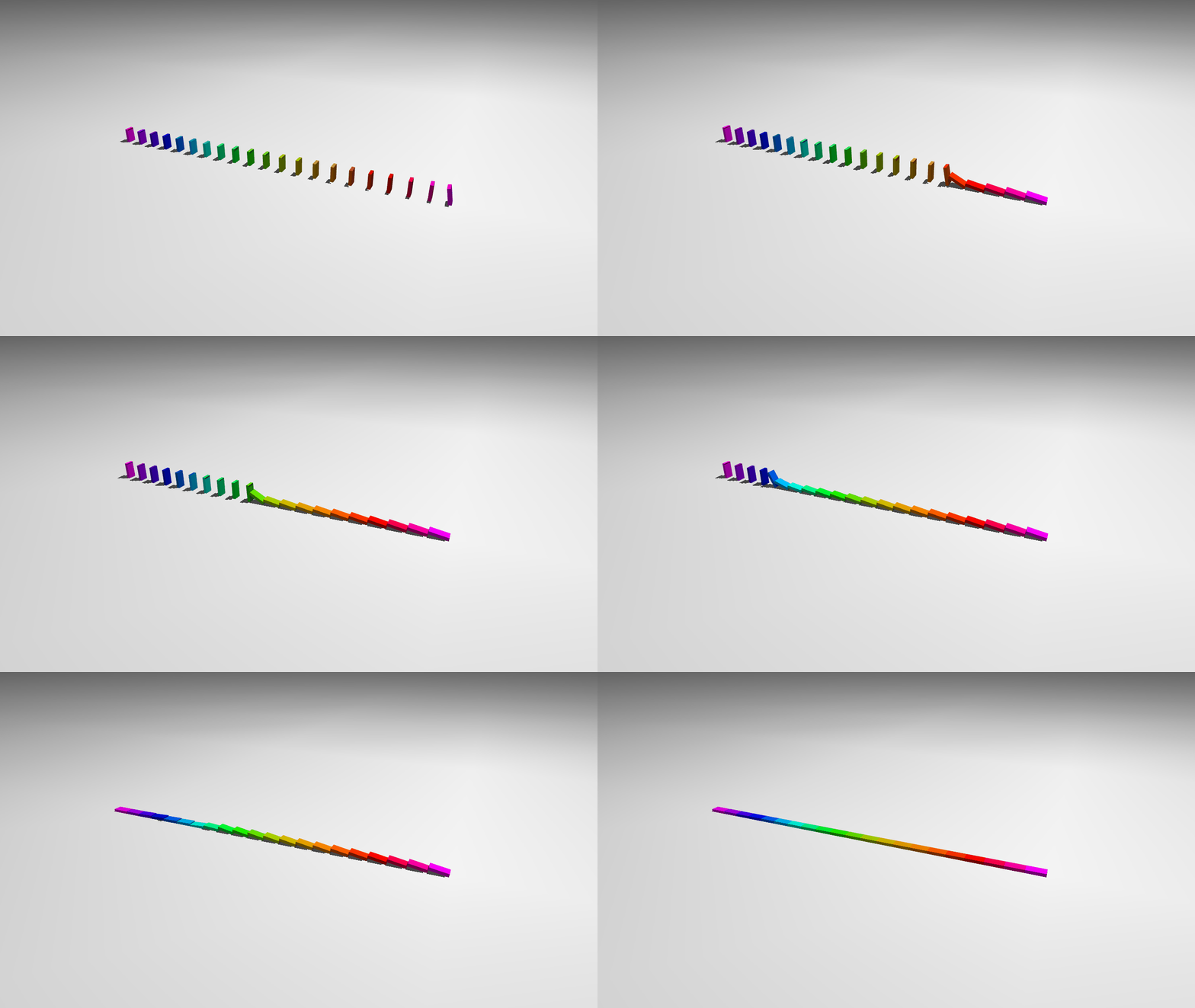
To multiply Things along a regular pattern Lattices can be used to fastly populate the World.
>>> box = blue.geoms.Box(x_length=0.03,
>>>                      y_length=0.01,
>>>                      z_length=0.06)
>>> domino = blue.Body(geoms=box,
>>>                    joints=blue.joints.Free(),
>>>                    z=0.02)
>>> row = domino.lattice([0, 0.06, 0], [20])
>>> row[0].alpha = -TAU/32
>>> row.color = blue.gradient('purple', ..., 'blue', n_steps=20)
The following reconstructs a lattice drawn by M. C. Escher.
Placeholders#
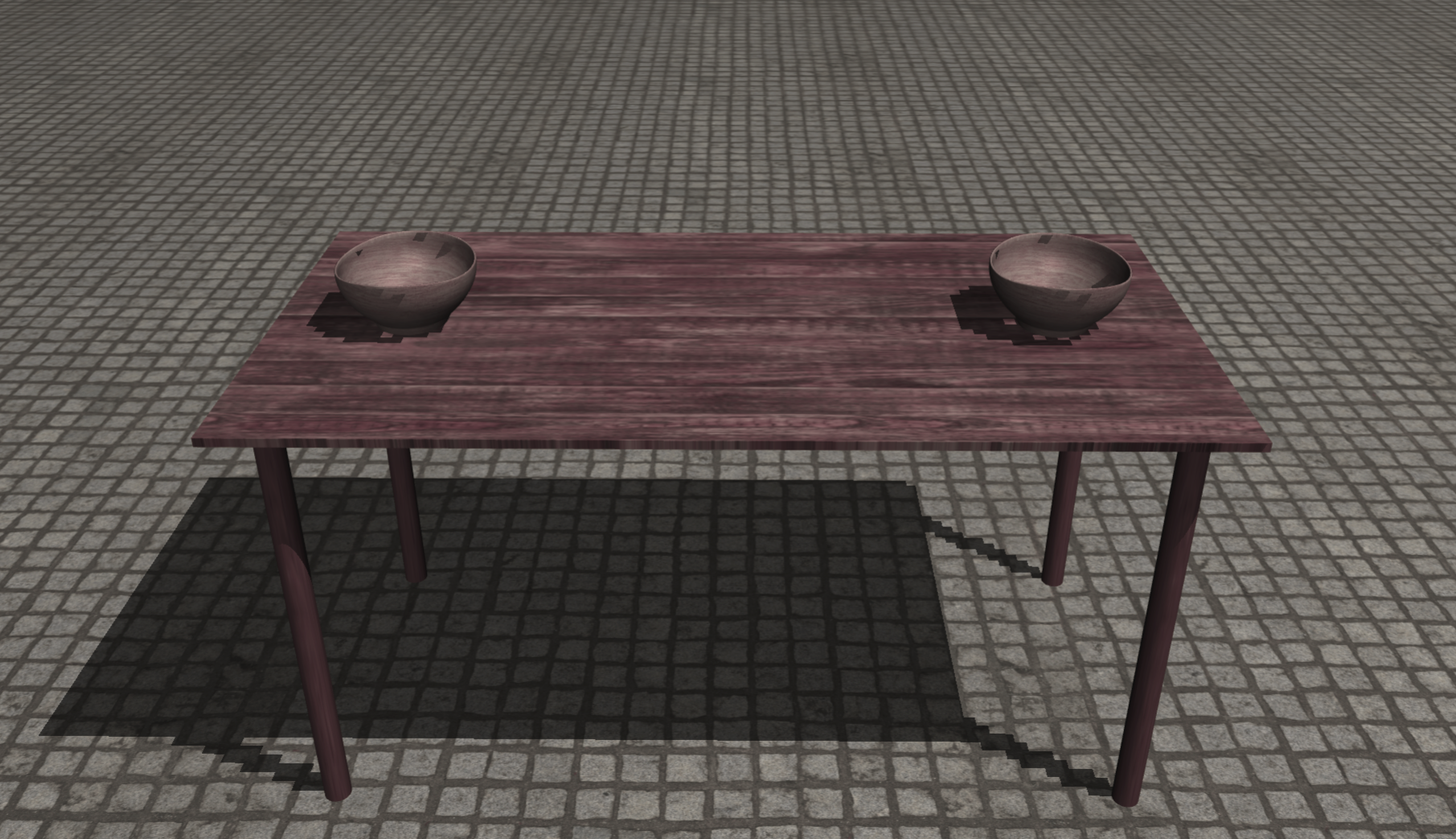
Reusing elements within and across multiple worlds is fundamental for designing good environments. But often we would like to combine them in different ways with other elements. To combine Bodies in a predefined manner Placeholders can be used to specify common mounting points.
>>> table.attach(blue.Placeholder(name='leg', pos=[ 0.9, 0.4, 0], alpha=PI),
>>>              blue.Placeholder(name='leg', pos=[ 0.9,-0.4, 0], alpha=PI),
>>>              blue.Placeholder(name='leg', pos=[-0.9, 0.4, 0], alpha=PI),
>>>              blue.Placeholder(name='leg', pos=[-0.9,-0.4, 0], alpha=PI))
>>> table.placeholders.attach(leg)
>>> table.attach(blue.Placeholder(name='plate', pos=[-0.7, 0, 0]),
>>>              blue.Placeholder(name='plate', pos=[ 0.7, 0, 0]))
>>> table.placeholders['plate'].attach(bowl)